
Salesforce ServiceNow Integration: Options, Patterns and Pitfalls
Updated On:
November 13, 2026

Most companies do not set out to run two systems of record for customer problems. It just happens. Sales and support land on Salesforce, IT and operations land on ServiceNow, and both teams are happy until the day a customer issue needs someone from the other side to fix it.
That is usually when someone asks for a Salesforce integration with ServiceNow. The request sounds simple. Push a case over, get a status back. In practice it touches data models, process ownership, API limits and a fair amount of politics about who owns the customer conversation.
This piece walks through what the integration normally covers, the realistic options for building it, the patterns that hold up in production, and the mistakes that tend to show up three months in.
What a ServiceNow Salesforce integration usually means
Before you compare tools, get specific about scope. Teams say "integrate Salesforce and ServiceNow" when they mean quite different things, and the right build changes depending on which one it is.
The common ones:
- Salesforce case to ServiceNow incident sync. A support agent escalates, an incident gets created, and resolution notes come back to the case.
- Status and comment write-back. Agents see ServiceNow progress without leaving Salesforce, so they stop asking IT for updates on Slack.
- Account and asset context. ServiceNow fulfillers see which customer, contract or entitlement an incident belongs to.
- Change and release visibility. Sales or CS gets warned before a change window hits a named account.
- Request fulfilment from Salesforce. An opportunity closes and a provisioning request opens on the ServiceNow side.
Each of these has a different direction of travel and a different tolerance for delay. Case to incident sync usually needs to feel instant. Account reference data can run nightly and nobody will notice.
Your options for building it
There are four realistic routes, and the choice usually comes down to how many other integrations you already run and who is going to maintain this one in two years.
1. ServiceNow Salesforce Spoke
The ServiceNow Salesforce Spoke sits inside IntegrationHub and gives you prebuilt actions for creating, updating and querying Salesforce records from a ServiceNow Flow Designer flow. If ServiceNow is already your automation hub and the flow starts there, this is the shortest path.
The catch is licensing and direction. Spokes need IntegrationHub entitlements, and flows are authored on the ServiceNow side, so Salesforce-initiated logic still needs outbound calls, platform events or a middle layer.
2. Salesforce-native integration
You can build it with Named Credentials, External Services and Flow, or with Apex callouts for anything more complex. Some teams use an AppExchange connector instead and get a working case to incident sync in days.
This works well for one well-defined flow. It gets expensive once you need retries, queuing, transformation and monitoring, because you end up writing that yourself.
3. Salesforce ServiceNow integration using MuleSoft
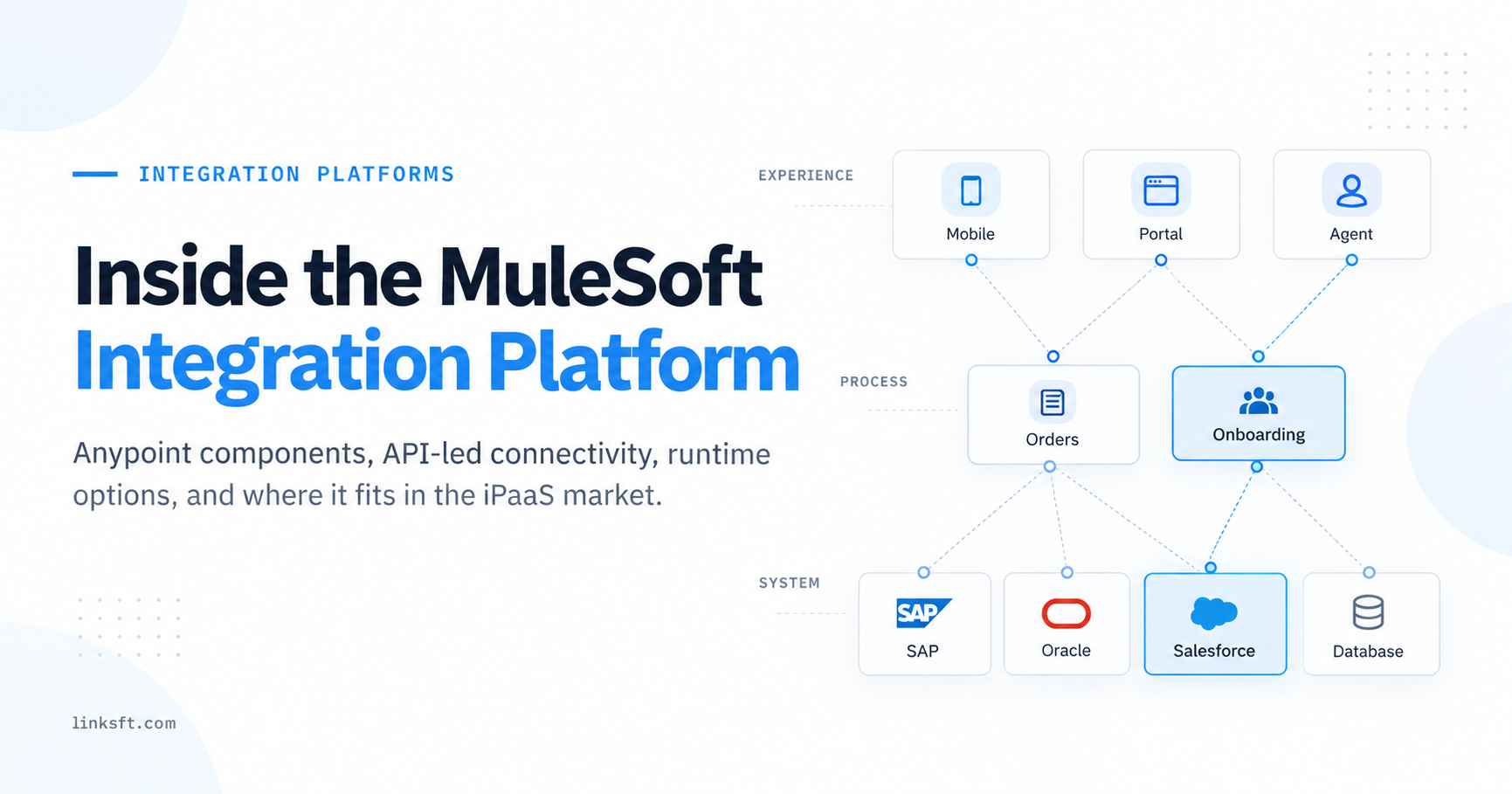
MuleSoft gives you connectors for both systems plus the things that matter at scale: error handling, retry policies, queuing, API-led layering and real observability. If you already own Anypoint or you are integrating a third and fourth system, this is usually the right home for the logic.
It is also the heaviest option in cost and skills. Running it for a single bi-directional sync is hard to justify.
4. iPaaS platforms such as Workato
A general iPaaS sits between the two, with prebuilt connectors, recipe-style logic and lower build effort than MuleSoft. For mid-market teams who want business users involved in the logic, this often lands in the right spot.
| Option | Best when | Watch out for |
|---|---|---|
| ServiceNow Spoke | ServiceNow owns the workflow, flows start in ITSM | IntegrationHub licensing, ServiceNow-initiated only |
| Salesforce native or AppExchange | One simple, stable flow | You build your own retries and monitoring |
| MuleSoft | Many systems, high volume, strict governance | Cost and specialist skills |
| iPaaS such as Workato | Mid-market, fast build, mixed business and IT ownership | Recipe sprawl without naming and ownership rules |
Patterns that hold up in production
The tool matters less than the pattern. These four show up in almost every working build.
Escalation, not mirroring. Do not sync every case. Sync the ones an agent explicitly escalates, triggered by a field change or a button, so volume stays predictable and the ServiceNow queue stays clean.
One owner per field. For each synced field, decide which system is authoritative and let the other one read it. Short description comes from Salesforce, resolution state comes from ServiceNow, and nothing is editable on both sides.
Store the foreign key on both records. Keep the ServiceNow sys_id on the case and the Salesforce case ID on the incident. Correlation by subject line or email address will break, usually at the worst time.
Event driven for workflow, scheduled for reference data. Use platform events or business rules for anything a human is waiting on. Use nightly batch jobs for accounts, assets and user lists where a few hours of lag costs nothing.
A good test: if the integration went down for an hour, would anyone notice? If yes, it needs retries and alerting. If no, it probably did not need to be real time.
Where these integrations go wrong
Most of these problems do not appear in the demo. They appear a few weeks after go-live, when real volume and real edge cases arrive.
Update loops
Salesforce updates the incident, ServiceNow business rule fires back to Salesforce, which fires again. You get hundreds of duplicate comments and a very fast trip to your API limit.
The fix is boring and essential. Flag integration-user updates and skip them in your triggers and business rules on both sides.
Status models that do not line up
Salesforce case status and ServiceNow incident state rarely map one to one. On Hold in ServiceNow has sub-states, and Salesforce closure may need an agent action that the integration is not allowed to perform.
Agree the mapping table with both process owners before anyone writes code, and decide explicitly what happens when a state has no equivalent.
API and governor limits
Salesforce enforces daily API call limits and Apex governor limits. A chatty, record-by-record sync that works fine at 50 escalations a day will hurt at 500.
Batch where you can, use composite or bulk endpoints, and monitor call consumption as a metric rather than discovering it through an outage.
Attachments and rich text
This is the single most underestimated piece. Screenshots and logs are what fulfillers actually need, and attachment transfer means size limits, base64 encoding, MIME handling and storage cost on both sides.
Rich text is the sibling problem. Salesforce HTML and ServiceNow journal fields do not render the same, so plan the conversion instead of letting markup leak through.
No error handling worth the name
If a payload fails validation, where does it go? Too many builds log the failure quietly and move on, so a case sits escalated with no incident behind it and nobody finds out until the customer calls.
You need a dead letter queue or an error record, a retry policy, and an alert that reaches a human who can act on it.
User and queue mapping
People exist in both systems with different IDs, different usernames and sometimes different email addresses. Assignment groups do not match Salesforce queues either.
Decide early whether you map users or run everything through a single integration user, and account for leavers so the sync does not fail on a deactivated account.
A short checklist before you build
Run through this with both teams in the room. It takes an afternoon and saves weeks.
- Name the trigger. What exact action starts the sync, and who is allowed to take it?
- Write the field map, including the state mapping and what happens to values with no equivalent.
- Pick the system of record for every field you are syncing.
- Decide attachment and rich text handling up front, not as a phase two.
- Agree the latency each flow actually needs rather than defaulting to real time.
- Define failure behaviour: retries, where failures land, who gets alerted.
- Check licensing on whichever platform you are leaning on, especially IntegrationHub.
- Plan for volume growth and sandbox refreshes, which quietly break credentials and IDs.
Getting it right the first time
A Salesforce ServiceNow integration is rarely hard because of the APIs. Both platforms are well documented and both have connectors ready to go. It gets hard because two teams have different definitions of the same words, and the integration is where that disagreement finally surfaces.
So spend your time on the mapping and the ownership questions. The build itself, whether it runs through the Spoke, MuleSoft, an iPaaS or native code, is the easier half.
Linksoft works on integrations like this across Salesforce, ServiceNow, MuleSoft and Workato, often alongside an internal team that already knows the systems but wants another set of hands on the delivery. If you are scoping one and want a second opinion on the approach, we are happy to look at it with you.